What Power BI is
Why you are here
Your company creates data every day without anyone asking for it. Transactions, visits to the website, what people looked at and what they bought in the end, measurements from machines and services. That data is already there. The question is whether anyone gets something out of it.
Data is information, and information is what decisions rest on. If you see in March that a product is sliding, you adjust in April. If you only read it in December in an annual report, you are looking at history.
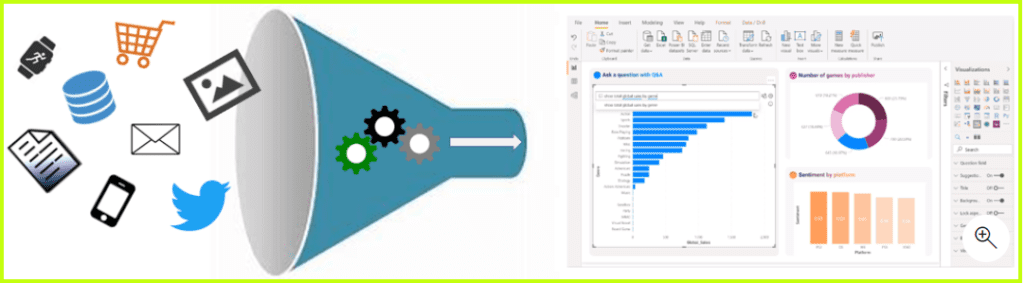
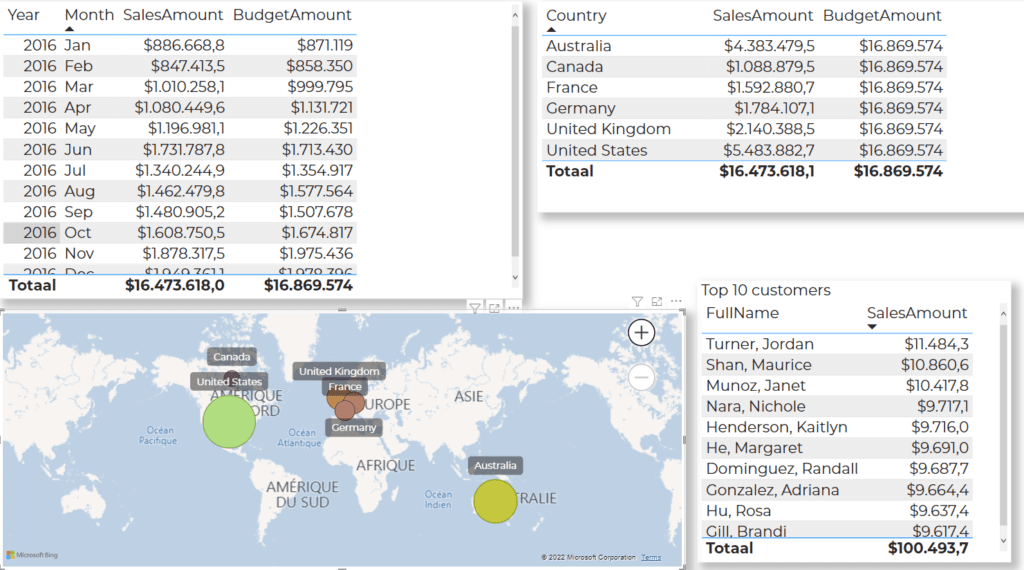
In practice you use that data to track inventory, to spot buying habits and trends, and to find patterns you miss with the naked eye. Decision makers need it to switch gears quickly, to change course and to stay ahead of the competition.
From raw data to a story
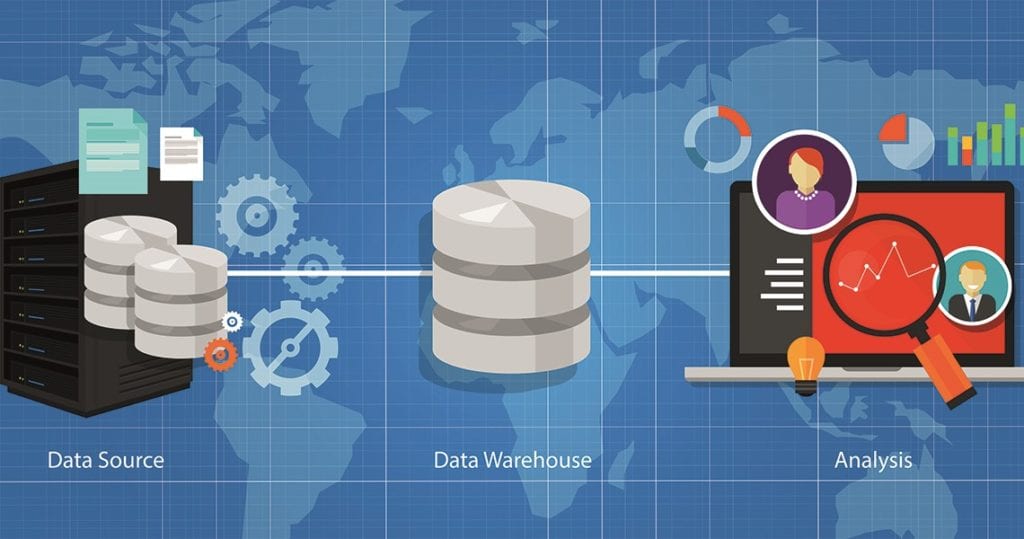
Before you can tell anything with data, it has to go through four steps. This course follows exactly that order, so you will recognize them later on.
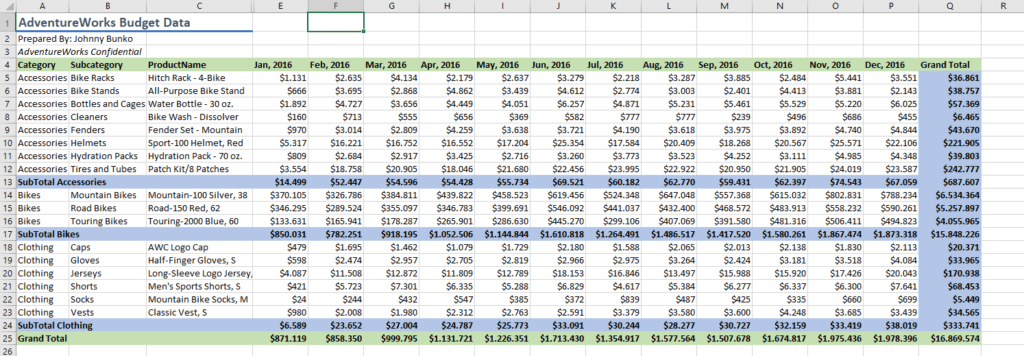
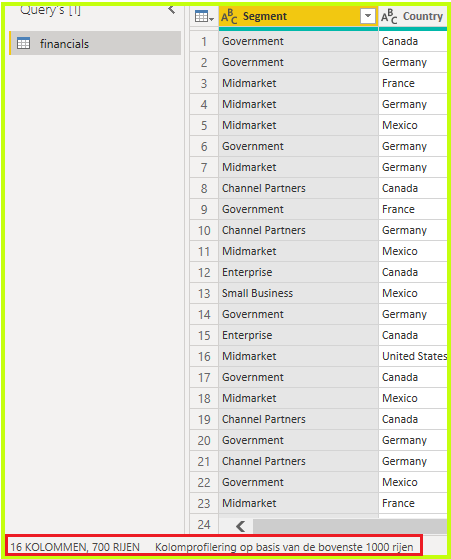
- Identify. What data do you have, and where is it.
- Clean up. Get the errors, the duplicates and the empty fields out.
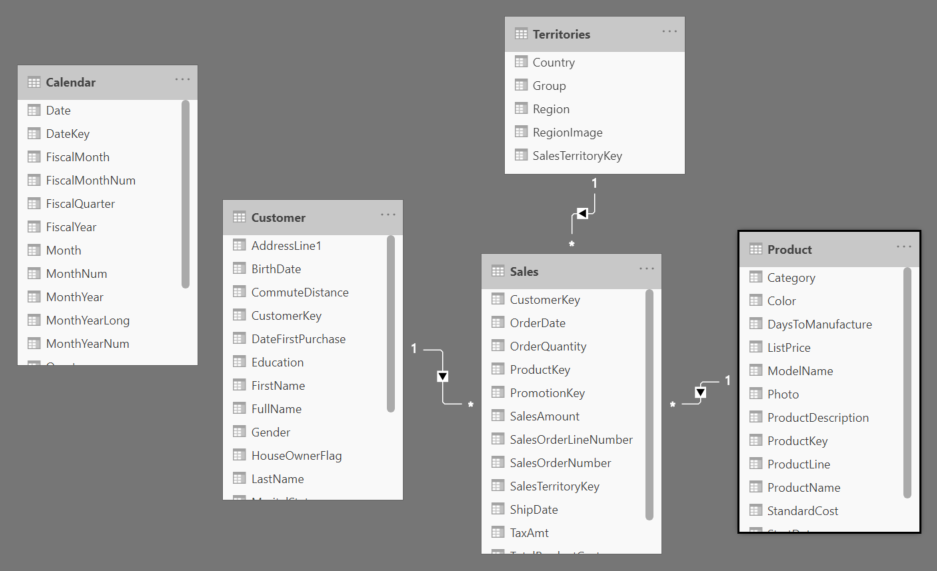
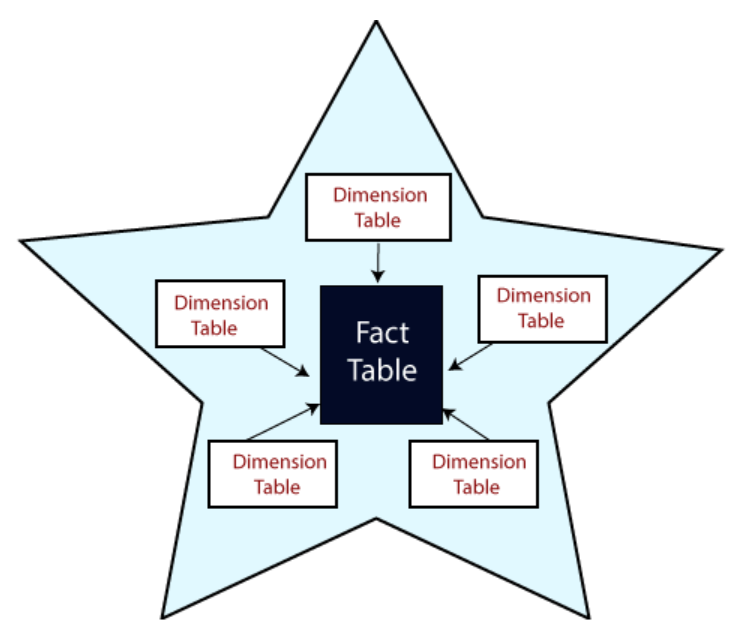
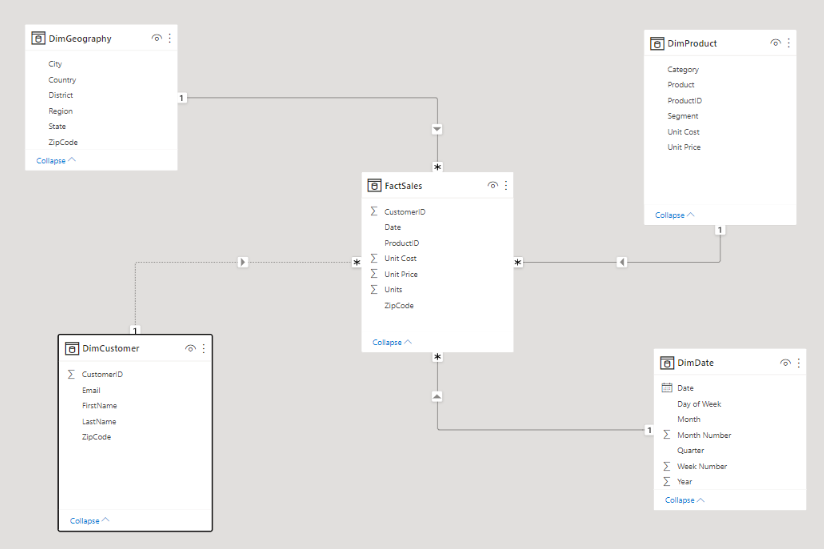
- Transform and model. Tie the tables together into one whole.
- Turn it into a story. Reports and dashboards that someone else can use.
The four steps are listed below in random order. Put them in the order this course follows.
- Identify: what data do you have, and where is it
- Clean up: get the errors, the duplicates and the empty fields out
- Transform and model: tie the tables together
- Turn it into a story: reports and dashboards
Five kinds of analysis
Not every analysis answers the same question. These five keep coming back in the literature.
| Kind | The question it answers | What it does |
|---|---|---|
| Descriptive | What happened? | Works with historical data. With KPI's you map out whether targets were met or not. |
| Diagnostic | Why did it happen? | Starts from the descriptive analysis and looks for the cause. |
| Predictive | What is going to happen? | Uses historical data to find trends and to estimate the chance of it happening again. Works with statistics and with patterns from historical figures. |
| Prescriptive | What should we do? | Starts from the prediction and searches large datasets for patterns that point to the right action. |
| Cognitive | What if the circumstances change? | Helps you estimate what could happen then and how you deal with it. |
The diagnostic analysis runs in three steps: you look for the anomalies in the data, you gather everything that has to do with those anomalies, and you explain them with statistical techniques.
In this course you mostly stay with the first two. What happened, and why.
You see in your report that the revenue of a product slides in March, and you want to know what is behind it. Which kind of analysis do you do then?
Words you are going to run into
- Telemetry data. Measurements taken at a distance, for example temperature, humidity or heart rate, often sent wirelessly to another location.
- KPI. Key performance indicator. Lets you measure the performance of your organization, team or staff.
- ROI. Return on investment. The return on an investment.
The three versions of Power BI
Power BI is not one single program but a set of tools. You use three of them in this course.
Power BI Desktop
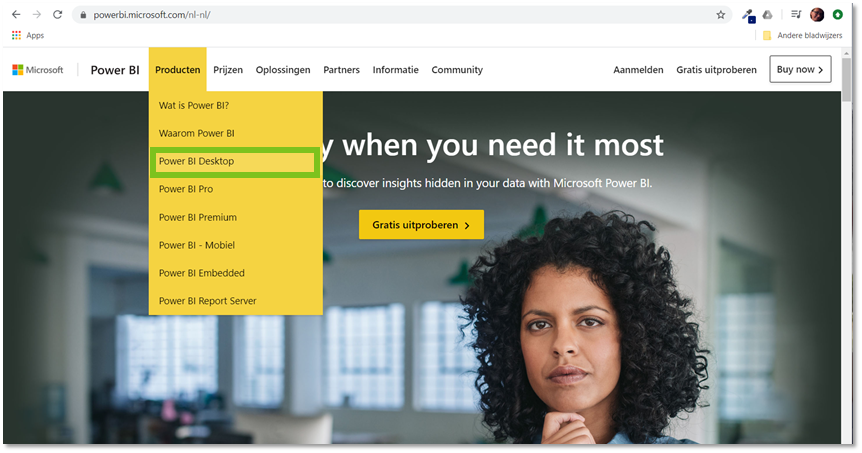
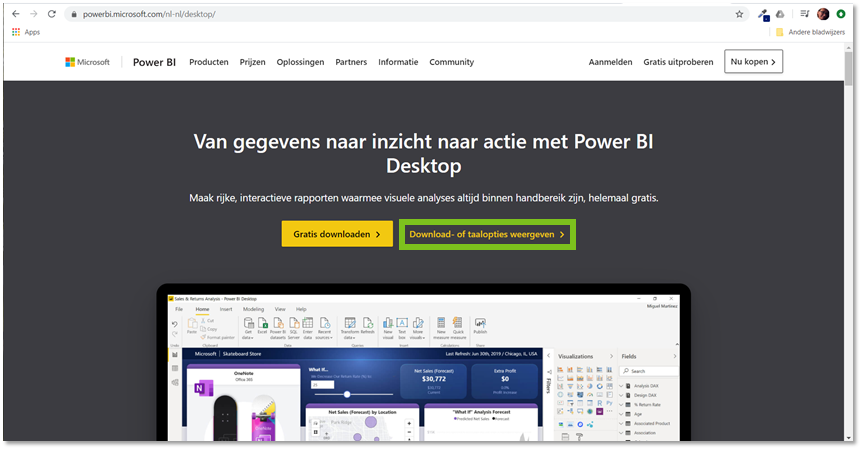
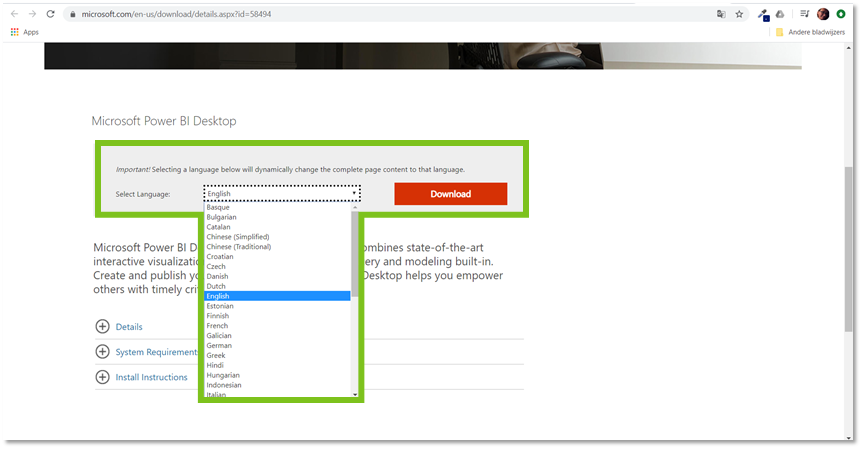
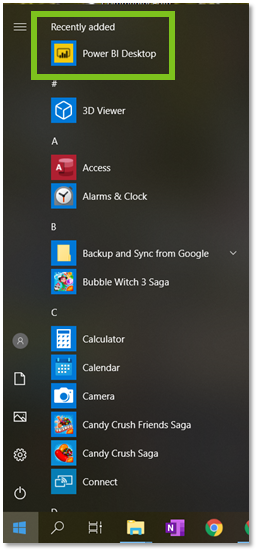
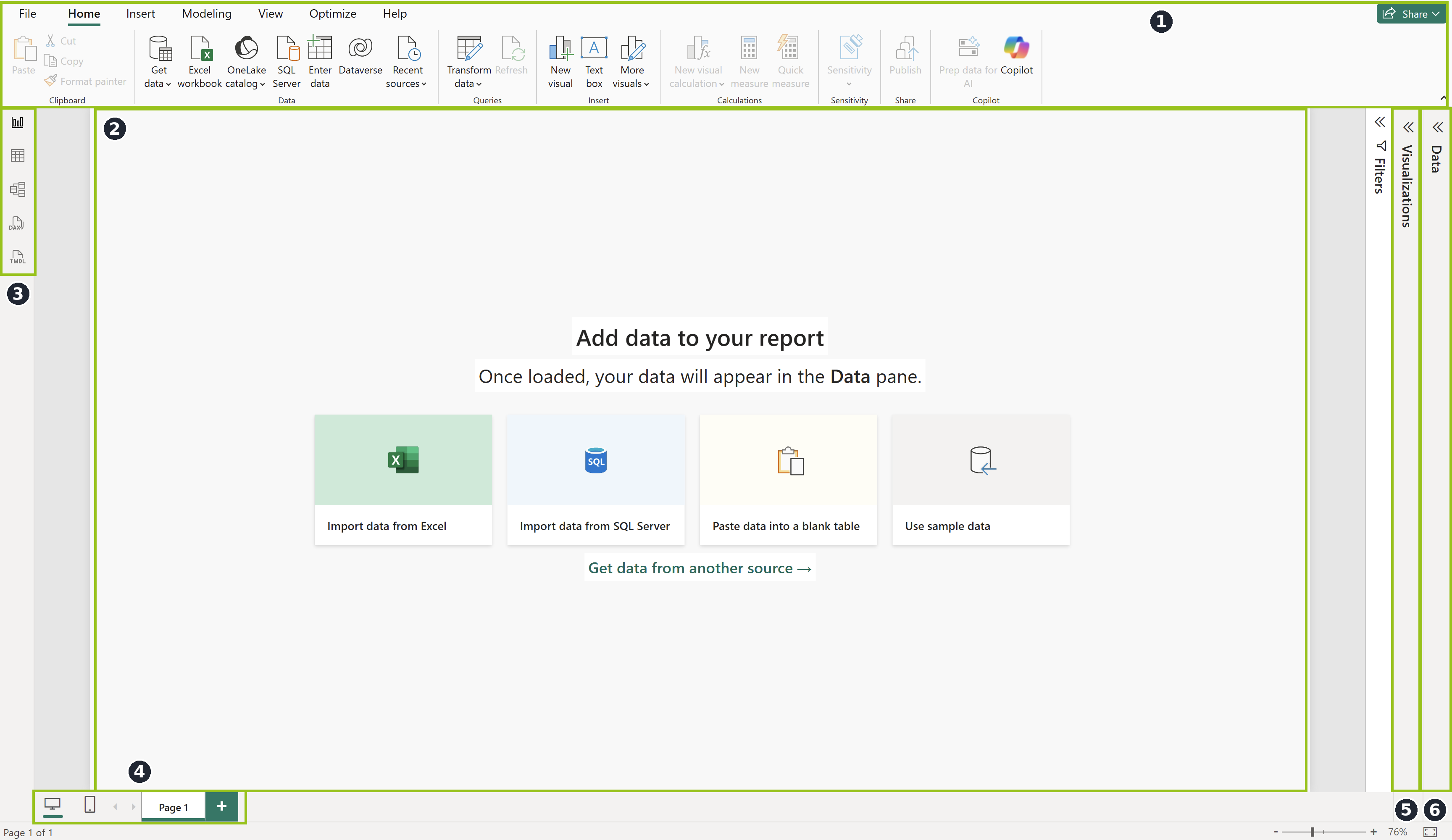
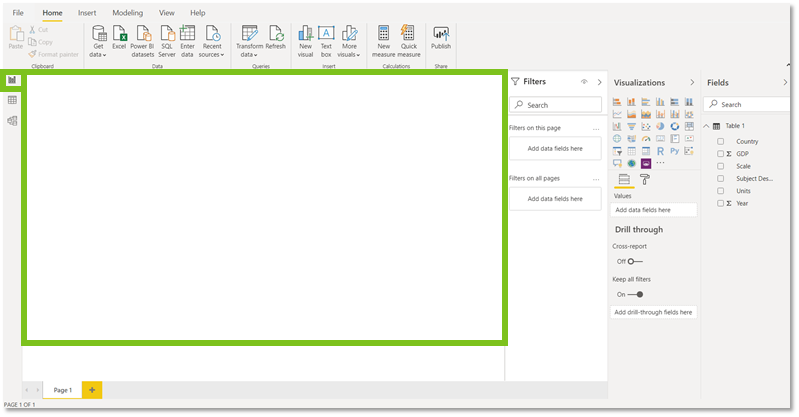
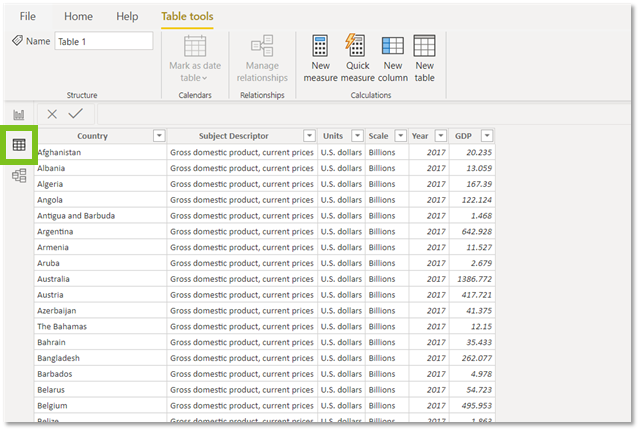
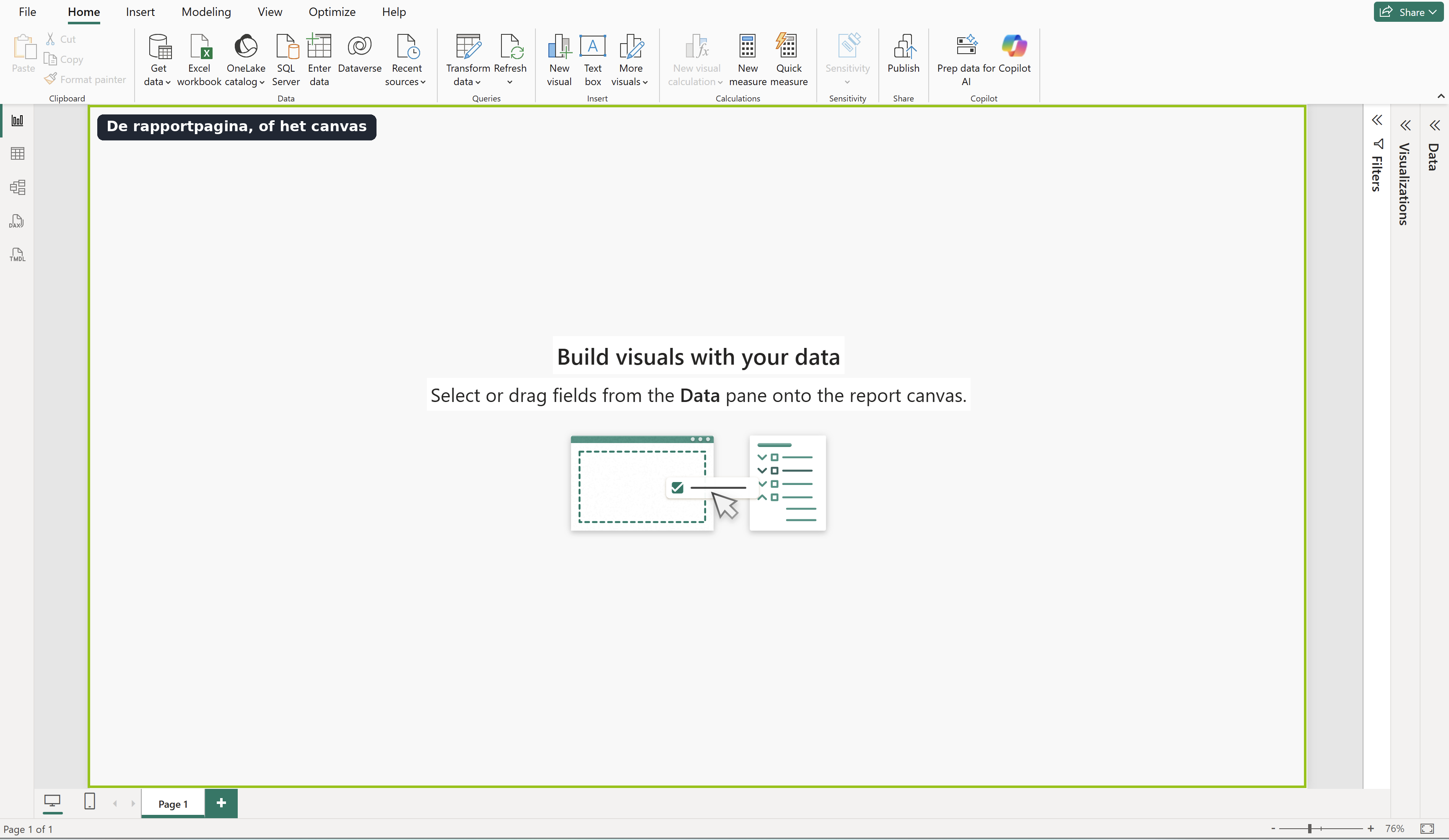
A program you install on your own machine. Only available for Windows. This is where you create your semantic model. Desktop consists of four building blocks.
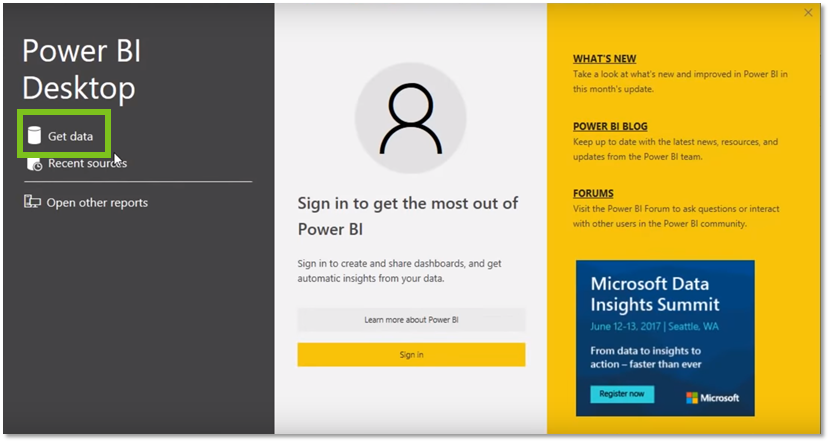
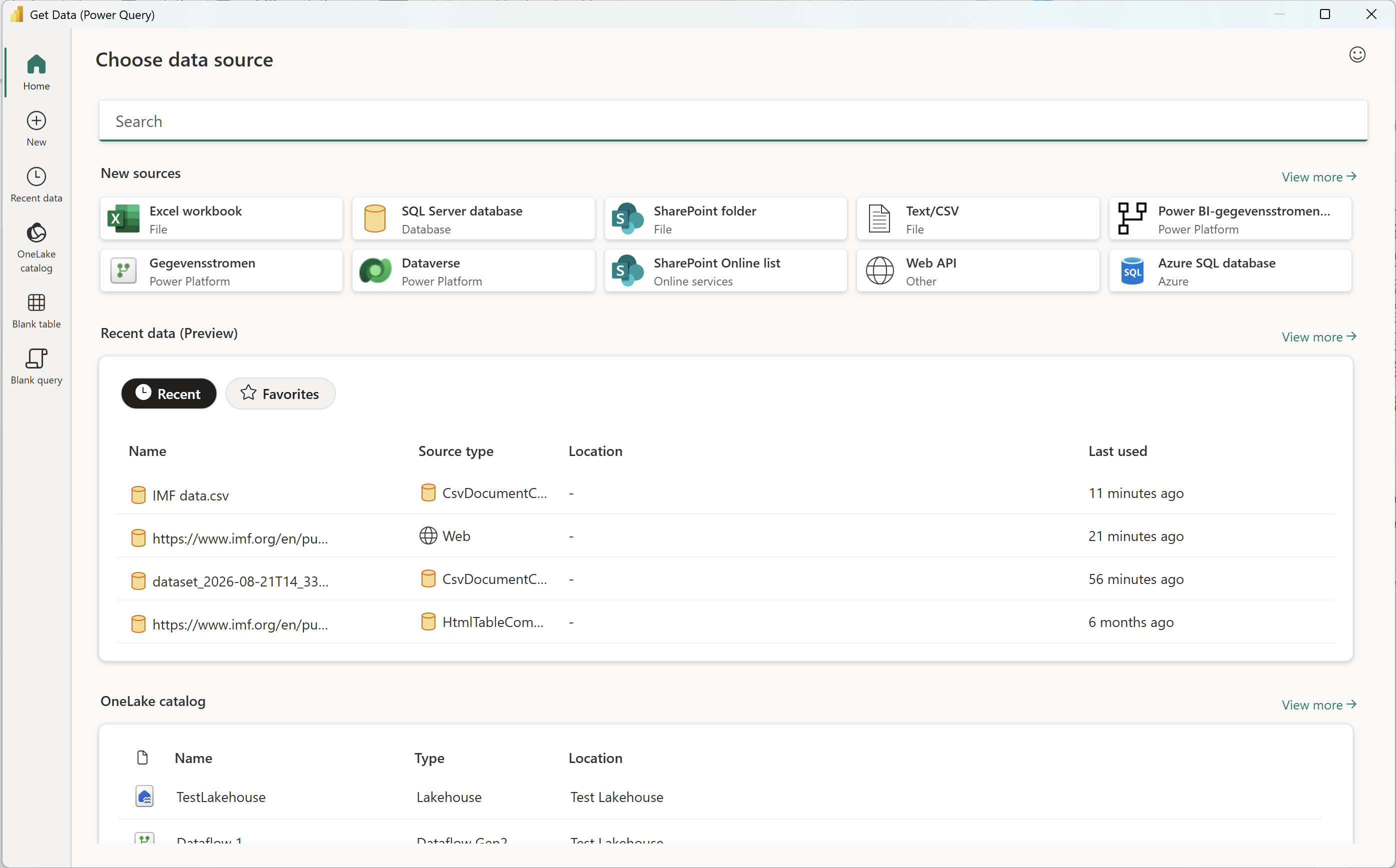
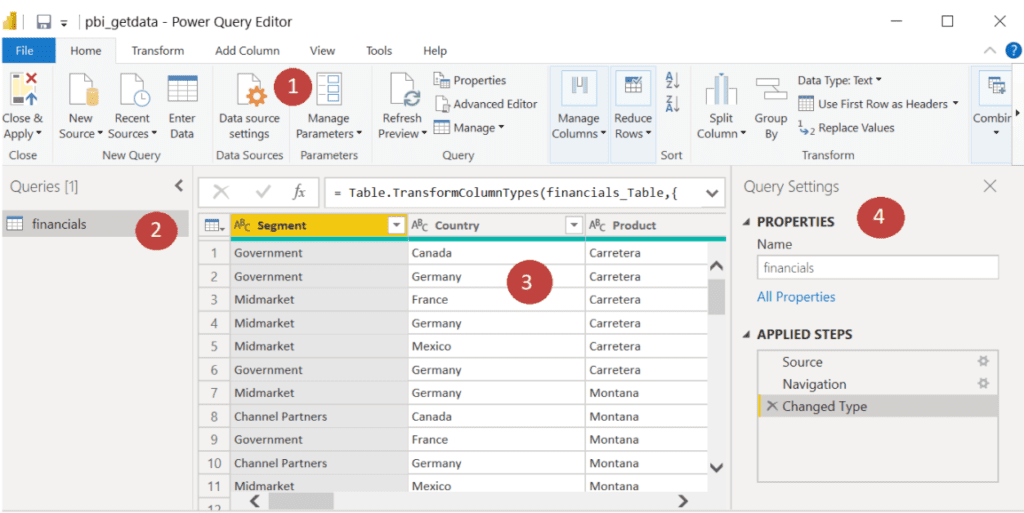
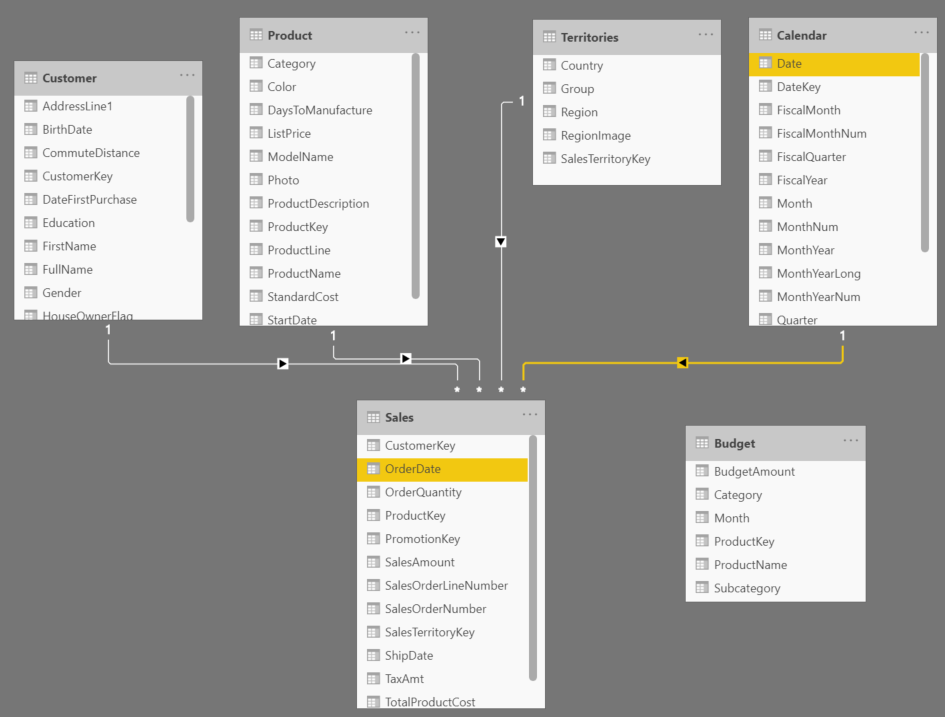
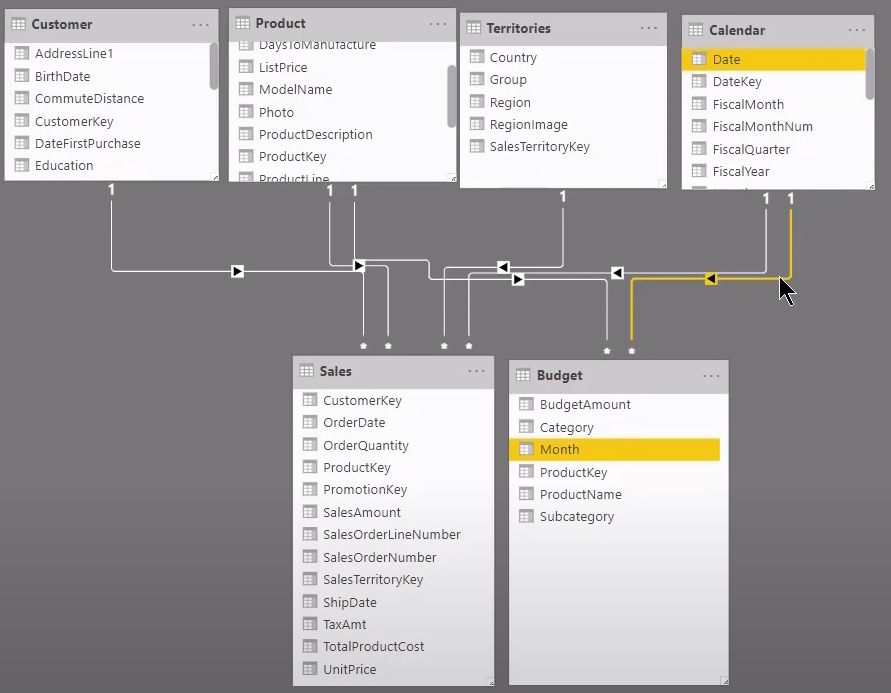
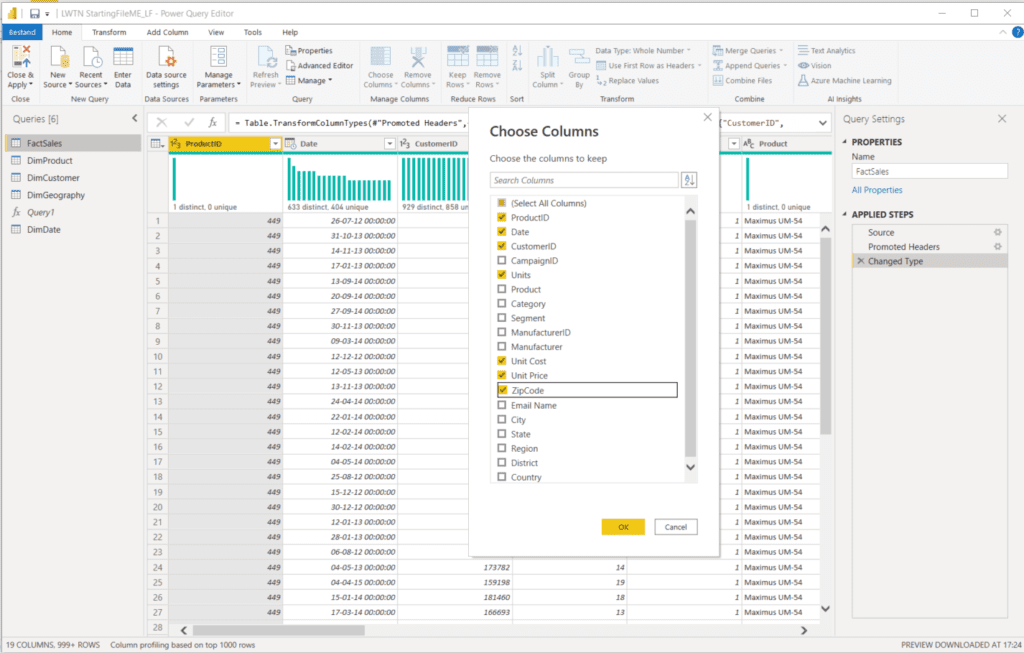
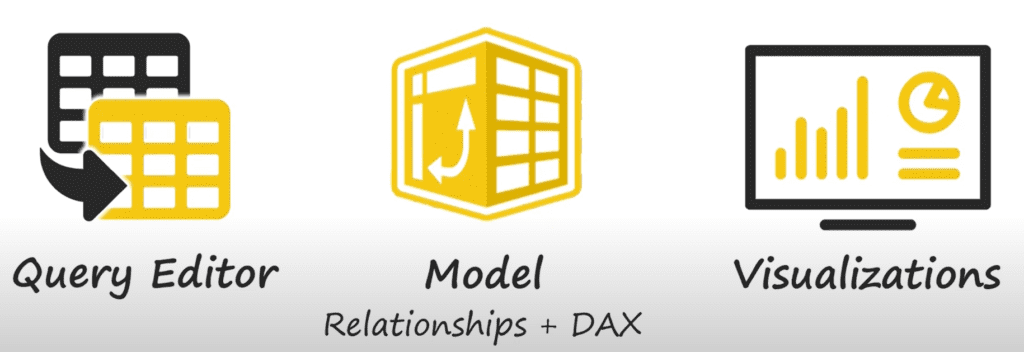
- Semantic model. The data or information in your data model. You connect Power BI Desktop to an existing semantic model, or you create one yourself. In that second case you connect to your source documents through so-called queries, you edit those queries, and you load the new structure into your data model.
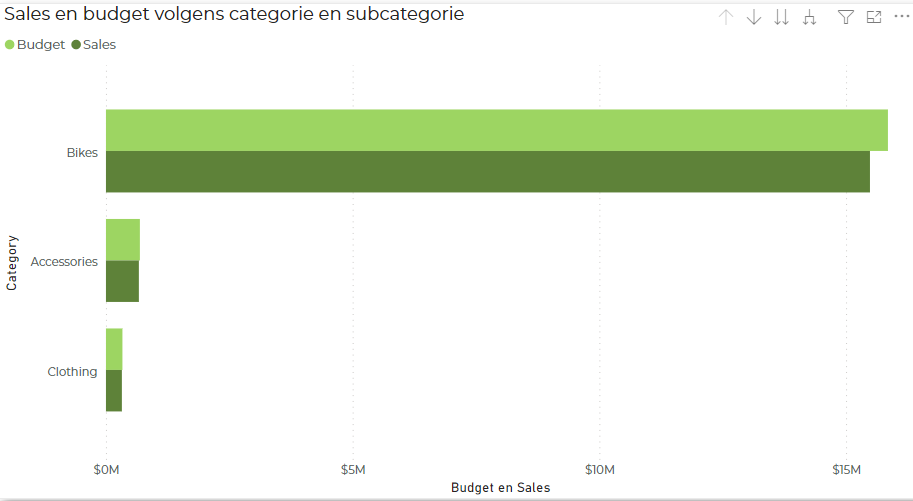
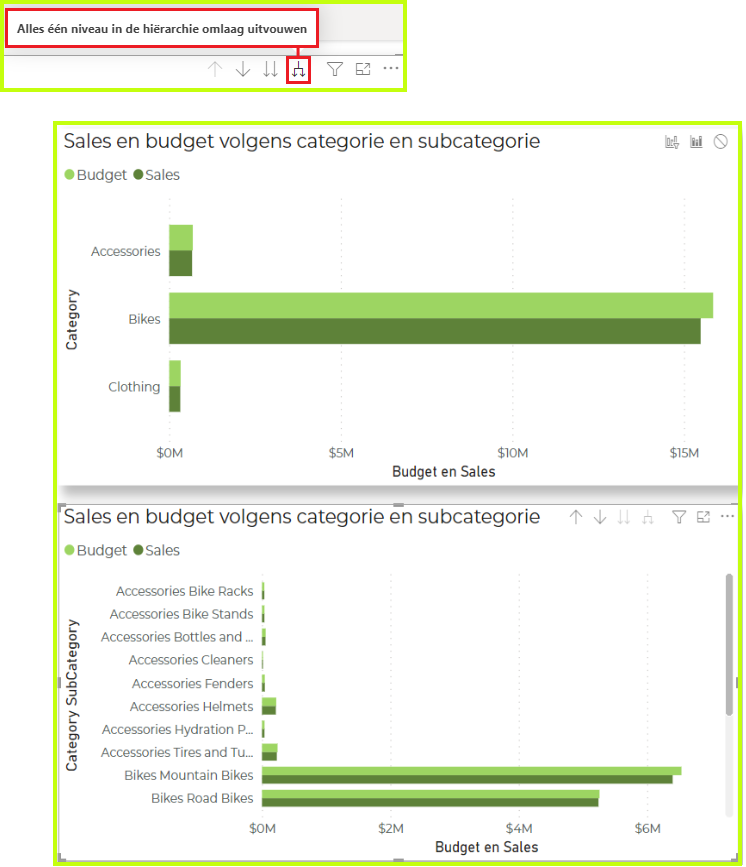
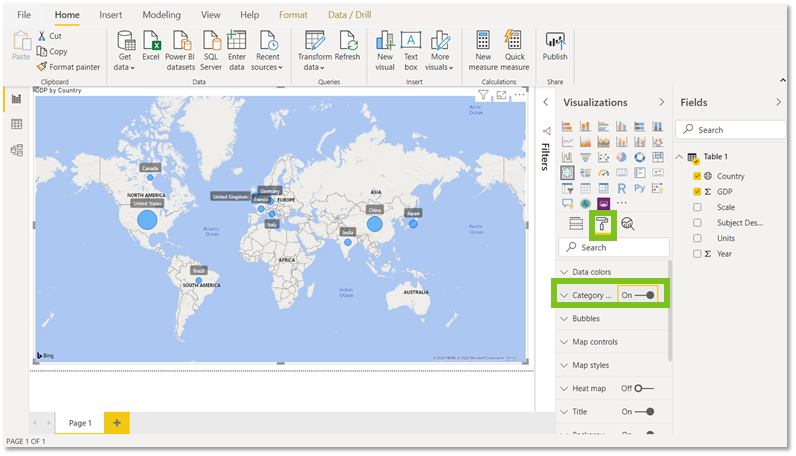
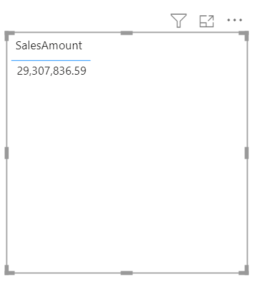
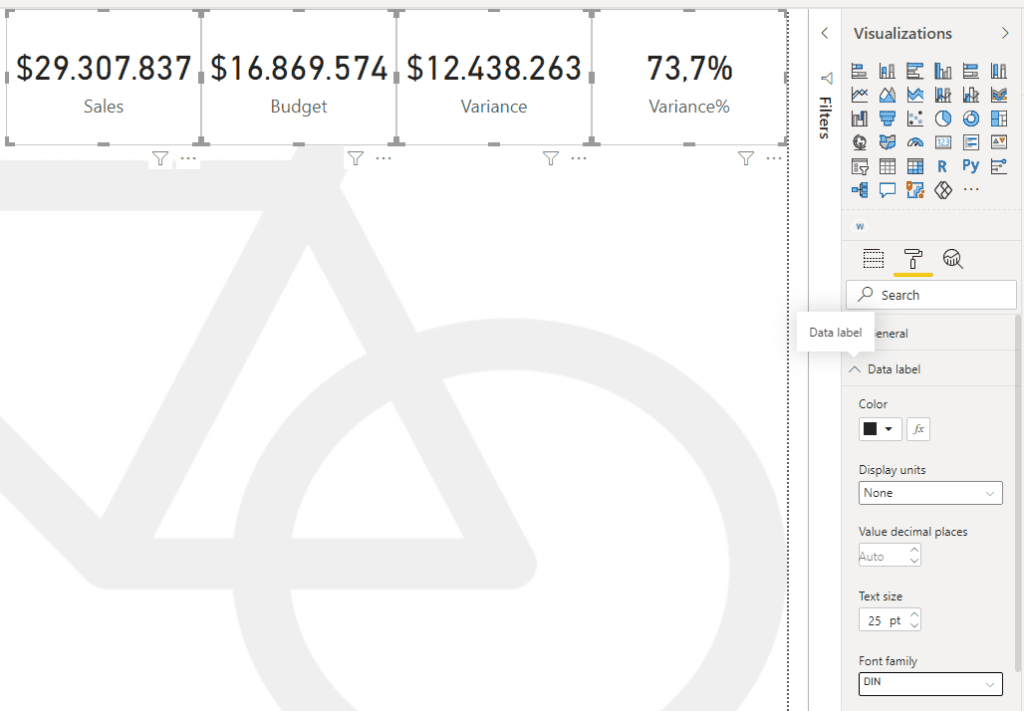
- Visualizations. A chart, a table, or anything else that shows your data graphically.
- Tiles. The frames those charts sit in. You adjust height, width and position freely. The only limit is the size of your report page.
- Reports. Several pages with different visualizations, put together into one whole.
Power BI Service
The version in the cloud, so not tied to Windows. Because it does not sit on your own machine, you can share results with colleagues from here and work on a project together.
You find the same building blocks there as in Desktop, plus a fifth one.
- Dashboards. Think of a cover page. A single page with the most important figures from your report.
You make visualizations and reports in the Service in almost the same way as in Desktop.
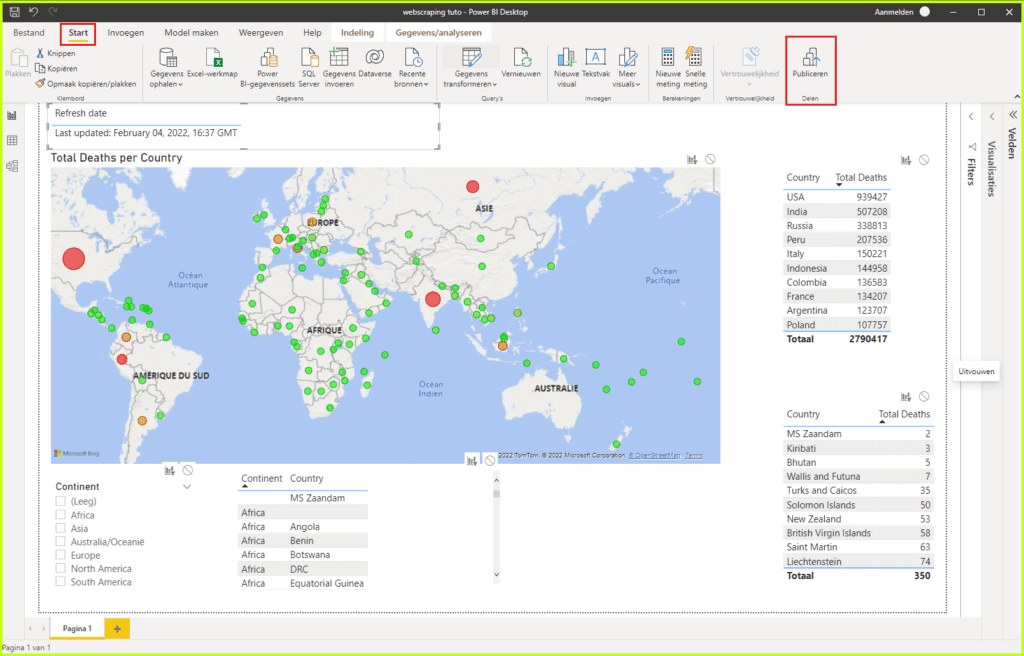
So the approach in this course is: build in Desktop, publish to the Service, keep working there from another place or together with colleagues, and put a dashboard on top of it.
Power BI Mobile
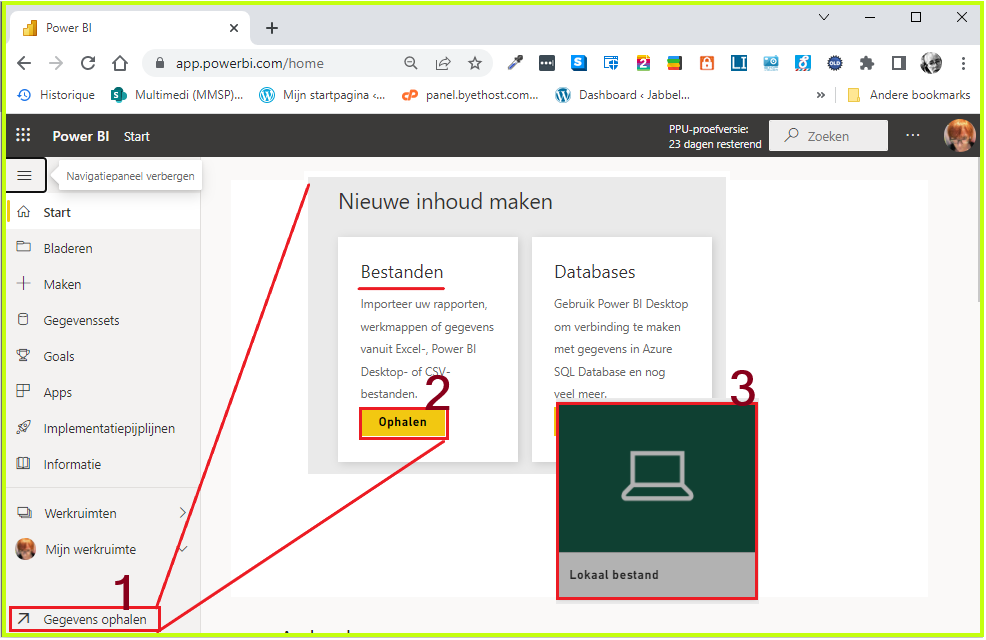
An app for your phone or tablet. With it you view the data you put in the Service while you are on the move.
Where does each task belong? For each task, choose the version you do it in.
Power BI and Microsoft Fabric
Power BI does not stand on its own. Microsoft has built a broader platform around it, Microsoft Fabric. The distinction is simpler than it looks.
| Power BI | Microsoft Fabric |
|---|---|
| The part you work with. Loading data, building a model, making reports, publishing and sharing. | The platform Power BI sits in, together with the parts that supply the data and get it ready: storage, data flows, databases and heavier analysis. |
| Your license is Pro or Premium per user. | Your organization takes a capacity, expressed in F units from F2 up. That capacity has taken the place of the old Premium per capacity. |
For this course that changes nothing about the way you work. You build in Power BI Desktop and publish to the Power BI Service. Fabric only comes into the picture when your organization needs heavier data components, or wants a feature that asks for the computing power of a capacity, such as Copilot in Power BI.
Your organization wants to use Copilot in Power BI. What do you need for that?